
How to Instagram like a pro
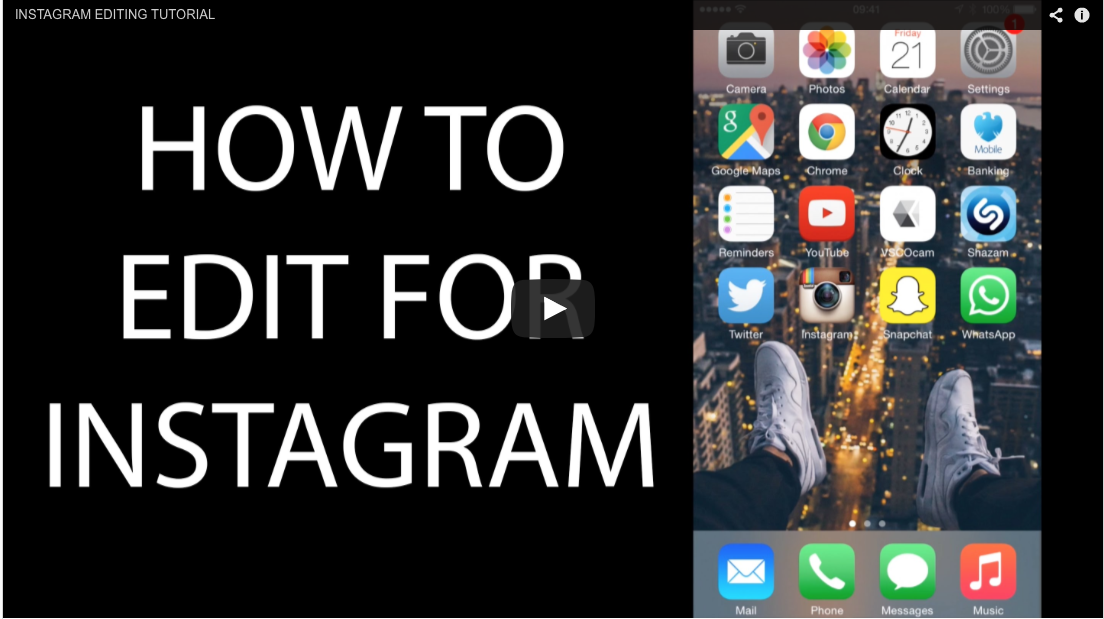
Instructional videos from a popular Pro Instagrammer
I recently came across some instructional tutorial videos on how a pretty popular Instagrammer takes and edits his photos for Instagram. He is legit (currently at the time of writing this article), his Instagram account has 282,000+ Instagram followers: @mrbenbrown. I have found three videos on his YouTube channel and embedded them here so you should check them out.
In the videos, Mr Ben Brown talks about how to edit Instagrams on computer as well as on your mobile. He gives some pretty good general photography and Instagram tips and walks through his work flow and the photo editing software / apps he uses: Adobe Lightroom for pictures coming off his DSLR to Snapseed and VSCOcam. I pretty much use the same apps and workflow for my Instagrams (@itchban) as i find it is the easiest and quickest way to edit pictures.
If you haven't checked out last the latest Gear Guide post on mobile photography editing apps you should do so, as I have written up a quick blog post on the only 5 essential mobile photography apps you'll ever need. The link is below:
Come follow me on Instagram @itchban



Photography samples
Hi friends! I present to you my hands on & first impressions of the Samsung Galaxy S25 Ultra (and sample photos to match). Please check out my YouTube video above if you haven’t already. Pretty excited about this update. Samsung have updated the ultra-wide 0.6x lens to it’s 50MP sensor with an improved aperture of f/1.9 which should help with resolution, sharpness and low light performance quite a bit.
Tap on through to see all the samples!